Best AI Photo Enhancer Apps in 2026
Best AI Photo Enhancer Apps in 2026! Whether you want to breathe new life into a faded family portrait from decades ago, sharpen a blurry selfie before posting it online, or restore a pixelated image to stunning high definition, AI photo enhancer apps have completely changed what’s possible. Just a few years ago, achieving professional-grade image enhancement required complex software and years of editing experience. Today, a single tap on your smartphone can produce results that would have taken hours in a traditional editor.
The global market for AI photo enhancement tools has exploded, with dozens of apps competing for the top spot. In this guide, we’ll walk you through the best AI photo enhancer apps available right now — covering their key features, pricing, ideal users, and honest pros and cons — so you can find the perfect tool for your needs.
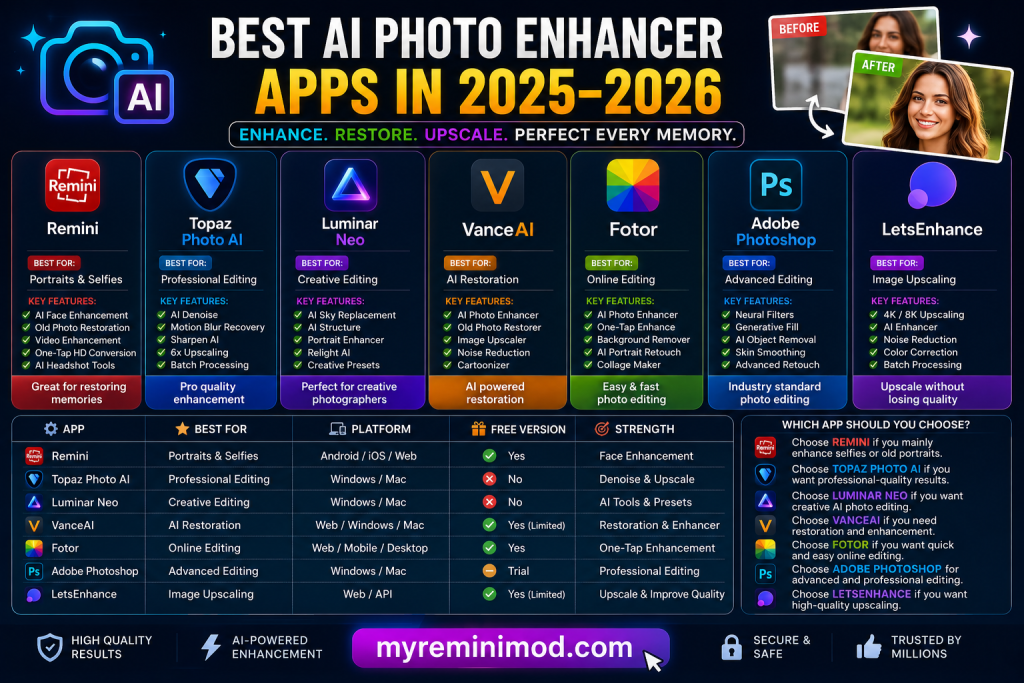
What Is an AI Photo Enhancer?
An AI photo enhancer is a software tool that uses deep learning and neural networks to automatically analyze and improve the quality of an image. These tools can upscale low-resolution photos, remove noise and blur, restore faded colors, sharpen facial features, correct lighting, and even reconstruct missing details in damaged or old photographs — all with minimal effort from the user.
Unlike traditional editing software that requires manual adjustments, AI enhancers learn from millions of high-quality images and apply that knowledge intelligently to improve your photos in seconds.
1. Remini
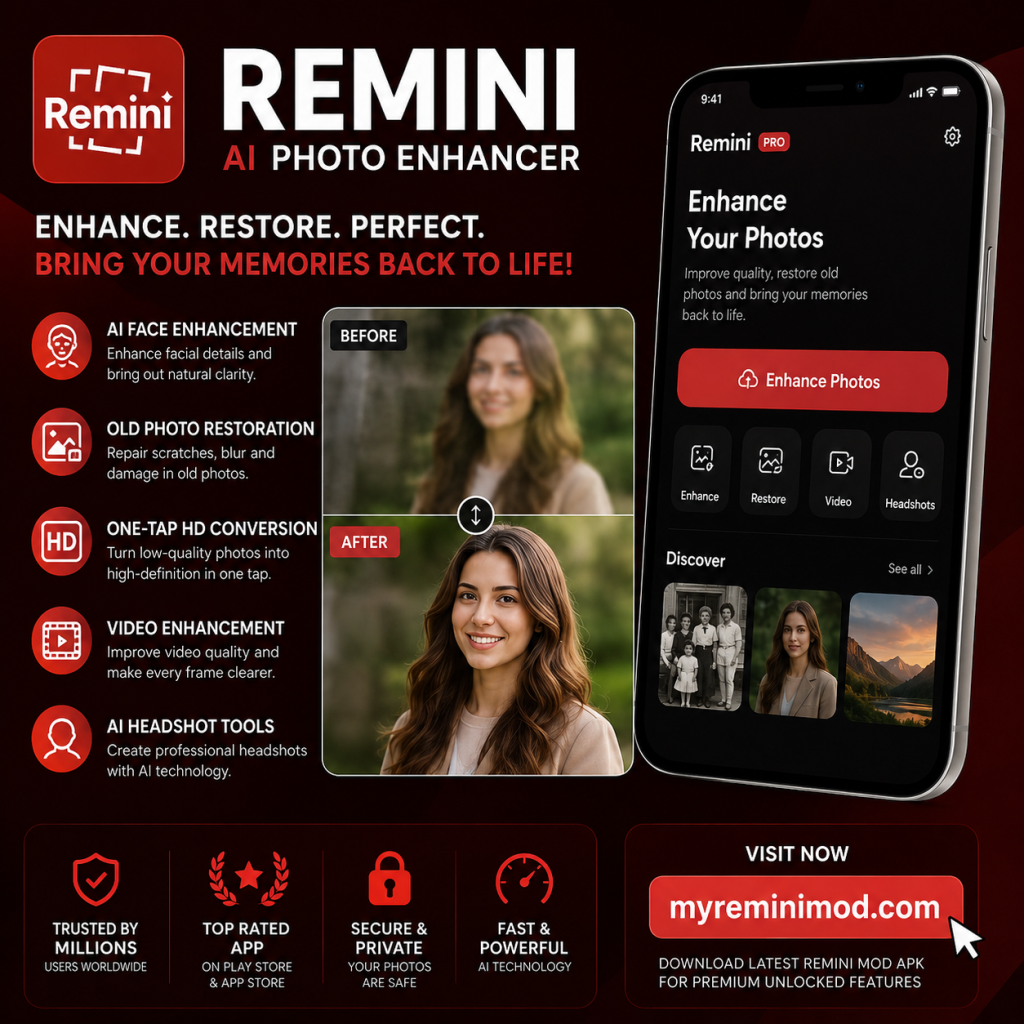
When it comes to AI-powered photo enhancement on mobile devices, Remini is arguably the most well-known name in the space. Originally launched as a simple photo sharpening tool, Remini has evolved into a comprehensive AI enhancement platform that handles everything from old photo restoration to HD video enhancement.
How Remini Works
Remini uses cloud-based AI processing, meaning all enhancements happen on remote servers. When you upload a photo, Remini’s deep learning models analyze the image, reconstruct missing details, sharpen facial features, improve lighting, and return a noticeably improved result — typically within 5 to 30 seconds. The app is available on both iOS and Android, with a web version also accessible.
Key Features
Remini’s four core enhancement pillars are face enhancement, face glow, auto color correction, and background enhancement. Beyond these, it also offers:
- Old Photo Restoration: One of Remini’s strongest suits is its ability to take grainy, low-resolution vintage photographs and restore them to crisp, clear images with improved detail.
- AI Video Enhancer: Unlike most competitors that focus only on stills, Remini also supports video enhancement, converting low-resolution footage to HD with improved frame quality.
- AI Painting Mode: Converts your photos into artistic painting-style visuals.
- AI Avatars and Portraits: Generates creative portrait variations and AI-styled profile pictures.
- Batch Processing (Pro): Allows multiple photos to be enhanced at once, saving time for heavy users.
- Before/After Slider: After processing, users view a side-by-side comparison with a slider to assess the improvement.
Pricing
Remini offers a free tier with limited daily enhancements (watermarked on exports). Pricing for premium plans varies by user and region, as the app presents personalized offers. Plans are available on weekly, monthly, and yearly billing cycles. The Personal plan allows up to 20 photo enhancements per week, while the Business plan unlocks unlimited enhancements, bulk upload, PNG/TIFF export, commercial use rights, and a Photoshop plugin.
Pros and Cons
| ✅ Pros | ⚠️ Cons |
|---|---|
| ✨ Exceptionally easy to use — one tap produces results | 🎭 Over-smooths textures like fabric or backgrounds |
| 🖼️ Outstanding face and portrait restoration quality | 🤖 Can occasionally create unnatural facial details |
| 🎥 Handles both photos and videos in one app | 🌐 Requires stable internet for cloud processing |
| 👥 Large active user base with trusted results | 💳 Subscription costs may become expensive |
| 🆓 Free version available with ads support | 🎛️ Limited creative control compared to desktop tools |
Best For
Casual users, social media enthusiasts, and anyone looking to restore old family photos or enhance portrait selfies quickly and effortlessly. As one reviewer put it, Remini is “the best free/low-cost option for casual users who mostly enhance portraits and selfies.”
2. Topaz Photo AI
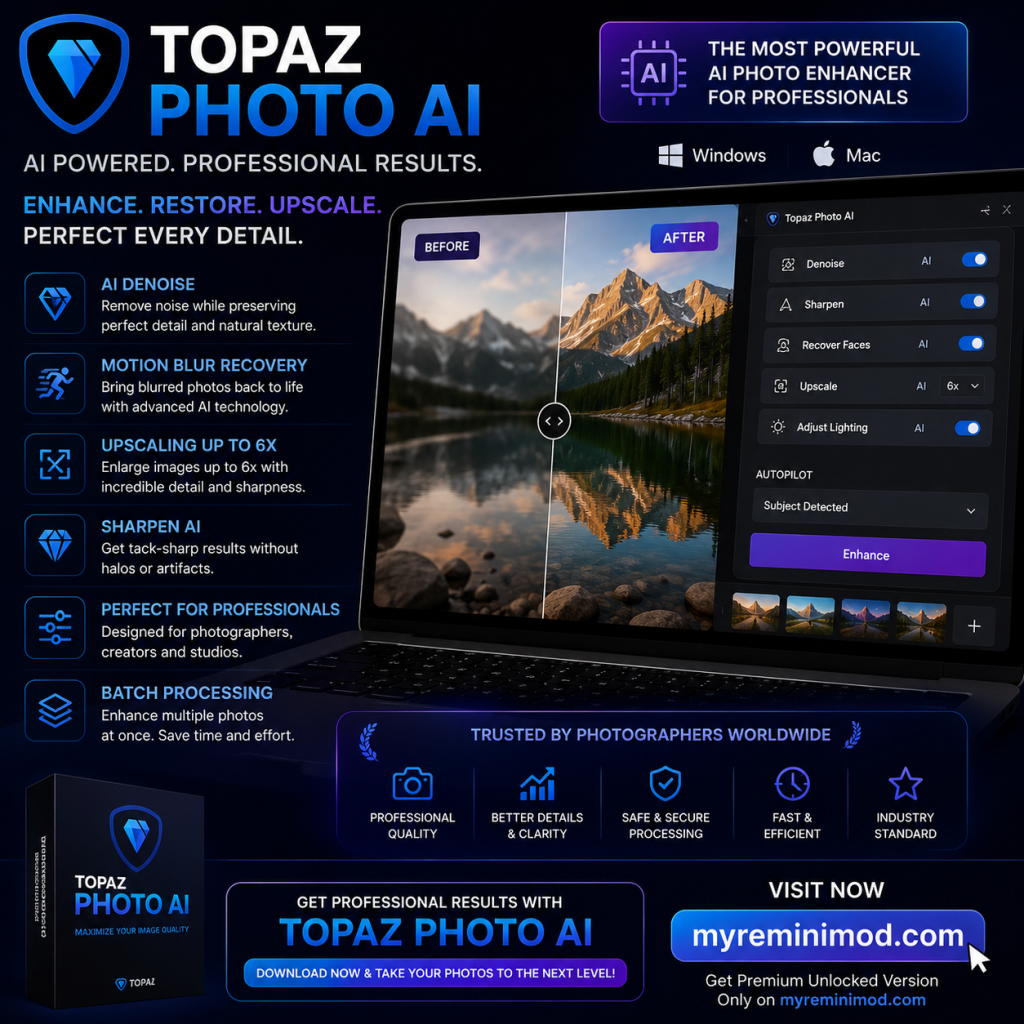
For photographers who demand the absolute best in image enhancement quality, Topaz Photo AI is widely regarded as the gold standard. This desktop application for Windows and macOS bundles three powerful tools — DeNoise AI, Sharpen AI, and Gigapixel AI — into a single, cohesive solution.
Key Features
- AI Upscaling: Can upscale images up to 4x (and beyond) while maintaining impressive sharpness and detail.
- Noise Reduction: Handles even extreme high-ISO noise with remarkable results. Photographers have reported that images shot at ISO 64,000 looked like they were shot at ISO 200 after processing.
- Autopilot Mode: Automatically analyzes images to detect and correct the right defects.
- Lightroom and Photoshop Integration: Seamlessly fits into professional photography workflows.
- RAW File Support: Processes RAW files directly, making it ideal for professional photographers.
- Dust and Scratch Removal: Specialized tool for restoring scanned prints and old photographs.
Pricing
Topaz Photo AI switched to a subscription model in September 2025, now priced at approximately $199/year. A full Studio bundle with all Topaz apps is available at a higher tier.
Pros and Cons
| ✅ Pros | ⚠️ Cons |
|---|---|
| 🏆 Industry-leading denoising and upscaling quality | 💰 Expensive, especially with subscription pricing |
| 🔒 Processes images locally — no cloud upload needed | 🖥️ Requires a powerful GPU for smooth performance |
| 📸 Native RAW file support for professional workflows | 🎯 May feel overkill for casual or beginner users |
| 🔗 Deep integration with Lightroom and Photoshop | 🎨 Cannot properly fix white balance or color cast issues |
Best For
Professional and semi-professional photographers who need top-tier image quality and work with RAW files in existing editing workflows.
3. Luminar Neo
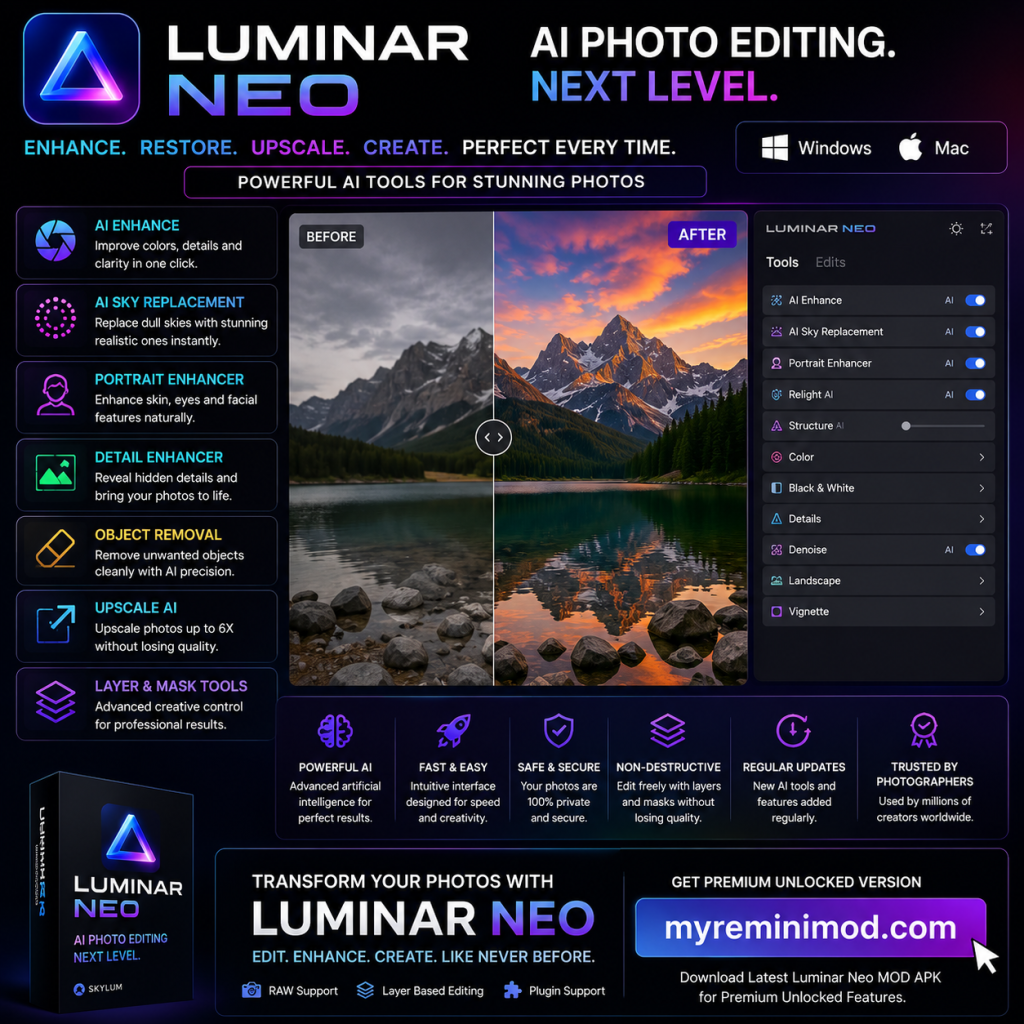
Developed by Skylum, Luminar Neo is a comprehensive photo editing suite that uses AI to simplify complex tasks while still giving users meaningful creative control. It’s a favorite among enthusiast photographers who want more than one-click automation.
Key Features
- Sky AI: Automatically detects and replaces the sky in any image with a variety of realistic alternatives.
- GenErase: Uses deep learning to remove unwanted objects from photos naturally.
- GenExpand: Extends the image beyond its original borders while generating realistic content.
- Upscale AI: Enhances images up to 6x while preserving a natural look.
- Relight AI: Intelligently adjusts lighting across a scene.
- Face Enhancer AI: Specifically designed to improve portrait quality and facial detail.
- Magic Light AI: Adds customizable starbursts around point light sources for dramatic effect.
Pricing
Luminar Neo is available as a one-time purchase with optional add-on packs for extended functionality, making it attractive for users who prefer not to pay recurring subscriptions.
Pros and Cons
| ✅ Pros | ⚠️ Cons |
|---|---|
| 🎨 Excellent balance between automation and creative flexibility | 🧩 Some features are less powerful than specialized single-purpose tools |
| 🌌 Unique tools like Sky AI and Relight AI stand out from competitors | 📚 Steeper learning curve compared to simple apps like Remini |
| 💵 One-time purchase option available | 🖥️ Can feel slow on older or low-end hardware |
Best For
Enthusiast photographers and content creators who want powerful AI tools alongside manual editing flexibility, without committing to a professional-grade desktop workflow.
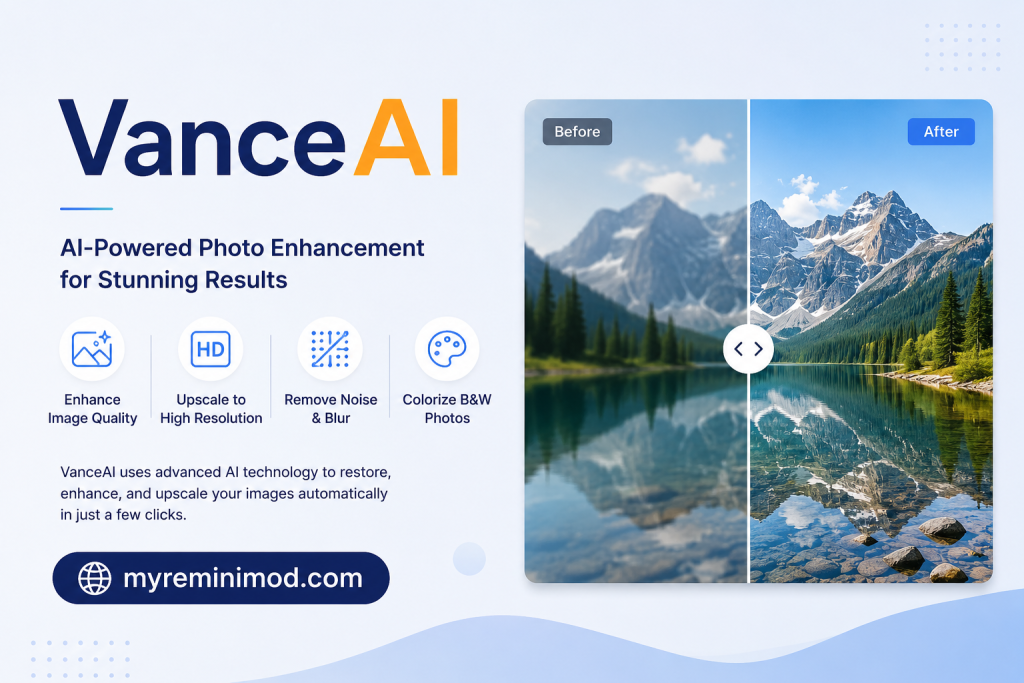
4. VanceAI
VanceAI is a web-based platform that packages multiple AI enhancement tools under one roof, making it a convenient one-stop-shop for users who need a variety of image editing capabilities without downloading separate software.
Key Features
- Image Enhancer: Sharpens and clears up blurry or low-quality images.
- AI Upscaler: Increases image resolution with separate, dedicated upscaling models.
- Denoiser: Removes compression artifacts, JPEG banding, and image noise.
- Background Remover: Cleanly removes backgrounds from product shots or portraits.
- Face Refinement: Dedicated facial enhancement for portrait photos.
- Batch Processing: Handle multiple images at once — ideal for eCommerce sellers and content teams.
- API Access: Developers can integrate VanceAI’s enhancement engine into their own products.
Pricing
VanceAI offers a free tier with 3 images per month without watermarks. Paid plans start from approximately $9.90/month, with usage-based credit packs also available starting at around $4.95 for 100 credits. A standalone Windows desktop version is sold separately.
Pros and Cons
| Pros | Cons |
|---|---|
| Covers multiple enhancement tasks in one platform | Free tier is heavily throttled |
| No software installation required | Eye and skin textures can look painted rather than natural |
| API access for developers and businesses | Advanced features locked behind higher-tier plans |
Best For
Freelancers, small businesses, eCommerce sellers, and digital marketers who need multiple image enhancement capabilities without managing several separate subscriptions.
5. Fotor
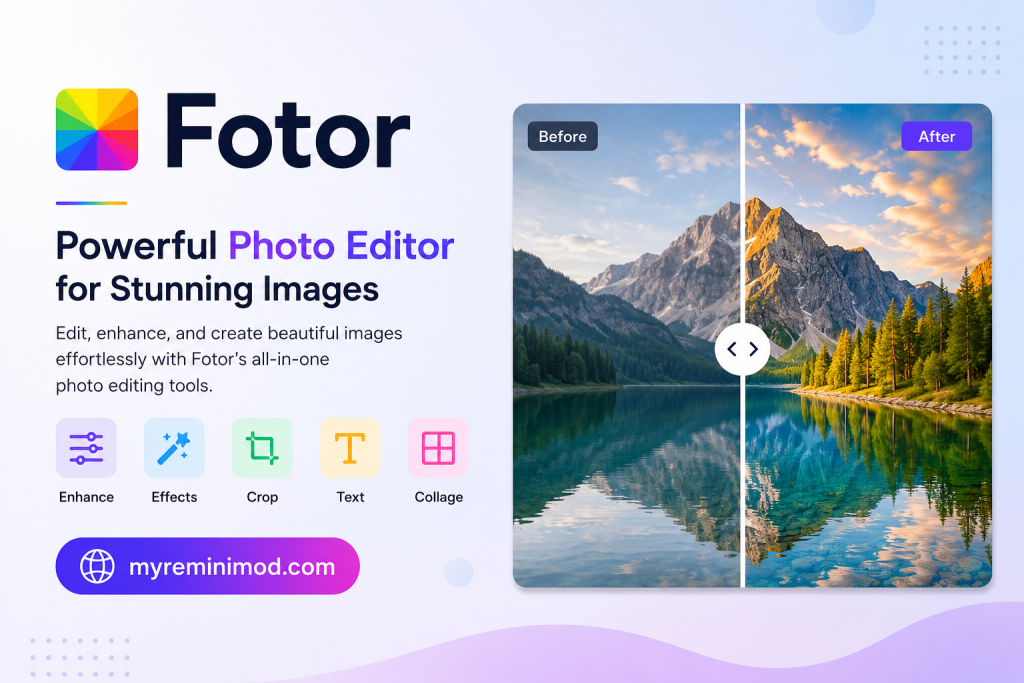
Fotor is an online photo editing platform that combines AI photo enhancement with design tools, making it a one-stop shop for social media content creators who need both polished images and eye-catching graphics.
Key Features
- AI Photo Enhancer: Automatically improves sharpness, color, and clarity.
- Background Removal: One-click background remover for product and portrait photos.
- Generative Expand: Intelligently extends images beyond their original frame.
- Portrait Retouching: AI-powered skin smoothing and facial detail enhancement.
- Design Templates: Thousands of templates for social media posts, banners, and marketing materials.
- Batch Editing: Process multiple images simultaneously.
- Direct Social Media Sizing: Auto-resize images for Instagram, Twitter, Facebook, and more.
Pricing
Fotor offers a free tier with core features. Pro plans start at approximately $8.99/month, unlocking advanced AI features and removing watermarks.
Pros and Cons
| Pros | Cons |
|---|---|
| Combines photo enhancement with design and collage tools | AI enhancement quality isn’t best-in-class |
| No software installation required | Some AI features only available on premium plans |
| Beginner-friendly interface | Can feel slow in the browser for complex edits |
Best For
Social media managers, bloggers, small business owners, and content creators who need quick image touch-ups alongside design work in one place.
6. Adobe Photoshop
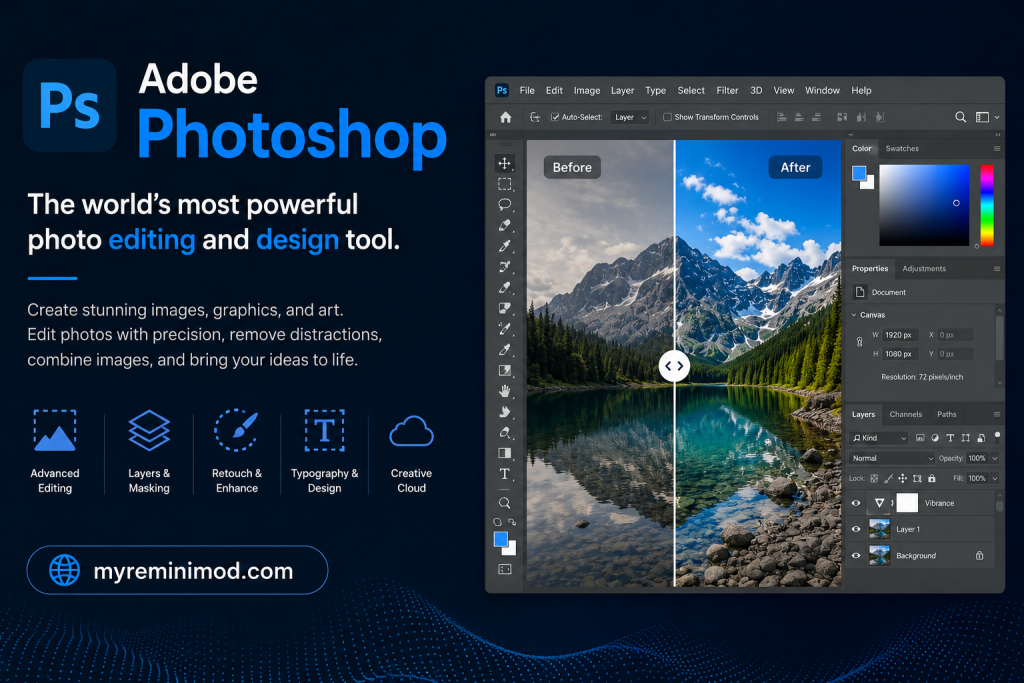
Adobe Photoshop needs no introduction, but its deep integration with Adobe Firefly generative AI has transformed it from a manual editing powerhouse into a formidable AI photo enhancer in its own right.
Key Features
- Generative Fill: Add, remove, or replace elements in a photo using natural language text prompts.
- Neural Filters: AI-powered filters for skin smoothing, colorization, portrait retouching, and more.
- AI Upscaling (Super Resolution): Dramatically increases image resolution while preserving detail.
- Object Removal: Intelligently removes unwanted elements and fills the background naturally.
- Extensive Plugin Support: Connect with thousands of third-party tools and extensions.
- Camera RAW Integration: Full RAW file editing with AI-assisted adjustments.
Pricing
Adobe Photoshop is available as part of Adobe Creative Cloud, with plans typically starting around $20–$55/month depending on the tier. No one-time purchase option is available.
Pros and Cons
| Pros | Cons |
|---|---|
| Industry standard with the broadest feature set available | High subscription cost |
| Firefly AI integration brings powerful generative features | Steep learning curve for beginners |
| Excellent RAW support and workflow integrations | Overkill for simple photo enhancement tasks |
| IP indemnity clause for Firefly outputs on paid plans | Requires a capable computer for smooth performance |
Best For
Professional photographers, graphic designers, and creative teams who need maximum flexibility and already work within the Adobe ecosystem.
7. LetsEnhance
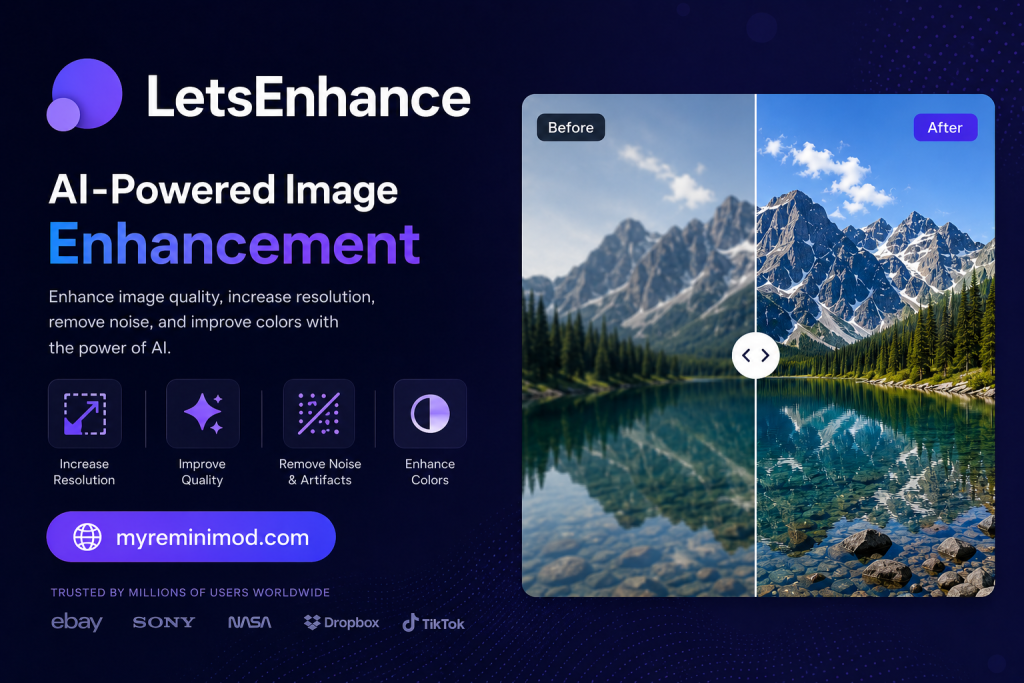
LetsEnhance is a browser-based AI enhancer that specializes in high-fidelity upscaling and image quality restoration. In comparative tests, its Prime model has consistently delivered some of the most natural-looking and detail-preserving results available.
Key Features
- Seven Specialized AI Models: Including Prime (highest fidelity), Magic (creative upscaling), Gentle, and Balanced modes.
- Up to 4x Upscaling: Reliably upscales while maintaining natural texture and detail.
- Light AI and Color Enhancement: Corrects tone and color alongside sharpness.
- Batch Processing API: Designed for cloud-based workflows and high-volume image enhancement.
- No Desktop Software Required: Entirely browser-based.
Pricing
LetsEnhance offers a free tier with limited credits. Paid plans scale with usage volume, making it competitive for businesses processing large numbers of images.
Pros and Cons
| Pros | Cons |
|---|---|
| Among the highest-quality upscaling results in the market | Smaller feature set than all-in-one platforms |
| API-first design for developers and businesses | Can be pricier for casual individual users |
| Preserves fine textures, skin detail, and natural look | Less suited for creative or artistic editing |
| No installation required |
Best For
Developers, eCommerce businesses, and professional photographers who need high-quality batch image upscaling via API or web interface.
How to Choose the Right AI Photo Enhancer
With so many capable tools available, choosing the right one depends on several factors:
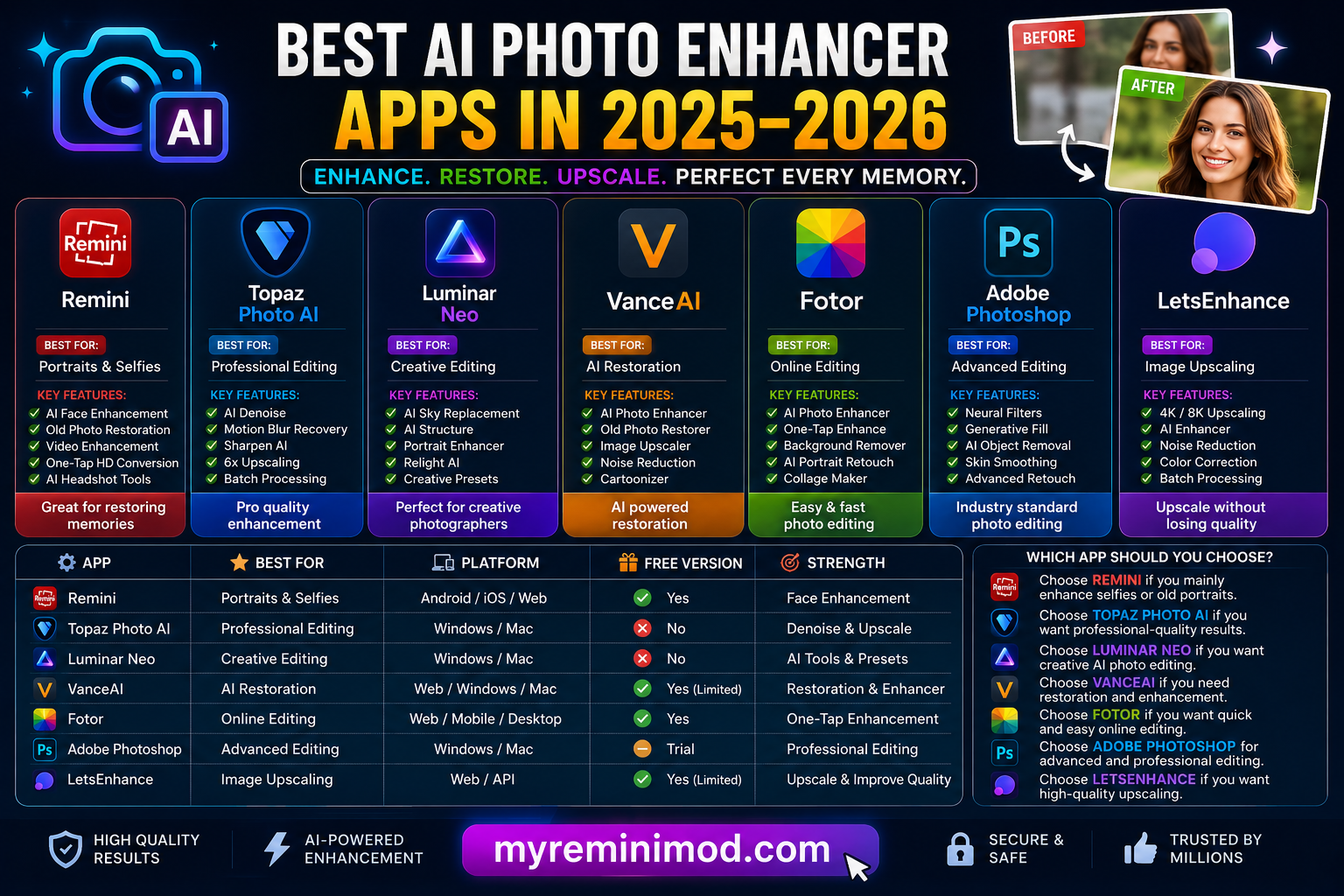
Your primary use case: Remini and Fotor are ideal if you mostly enhance portraits and selfies. Topaz Photo AI and LetsEnhance excel at professional-quality upscaling. Adobe Photoshop is the right pick if you need full creative control.
Your platform preference: Remini is the best choice for mobile-first users. VanceAI and Fotor are great if you prefer browser-based tools. Topaz and Luminar Neo are desktop-first solutions.
Your budget: Free tiers are available on Remini, VanceAI, Fotor, and LetsEnhance. Topaz Photo AI and Adobe Photoshop carry the highest costs, but justify them with professional-grade results.
Technical skill level: Remini, Fotor, and VanceAI require little to no technical knowledge. Luminar Neo strikes a middle ground. Topaz Photo AI and Adobe Photoshop reward users with more editing experience.
Final Verdict
The AI photo enhancement space in 2025–2026 is richer and more competitive than ever before. For most everyday users, Remini remains the go-to choice for its unmatched ease of use, strong face restoration, and mobile-first design. If you’re a professional photographer demanding the best possible image quality, Topaz Photo AI and LetsEnhance are the strongest contenders. Social media creators will find Fotor and Luminar Neo excellent all-rounders. And for those already invested in Adobe’s ecosystem, Photoshop with Firefly remains an unbeatable creative powerhouse.
Best AI Photo Enhancer Apps in 2026Best AI Photo Enhancer Apps in 2026Best AI Photo Enhancer Apps in 2026Best AI Photo Enhancer Apps in 2026Best AI Photo Enhancer Apps in 2026Best AI Photo Enhancer Apps in 2026Best AI Photo Enhancer Apps in 2026Best AI Photo Enhancer Apps in 2026Best AI Photo Enhancer Apps in 2026Best AI Photo Enhancer Apps in 2026Best AI Photo Enhancer Apps in 2026Best AI Photo Enhancer Apps in 2026Best AI Photo Enhancer Apps in 2026Best AI Photo Enhancer Apps in 2026Best AI Photo Enhancer Apps in 2026Best AI Photo Enhancer Apps in 2026Best AI Photo Enhancer Apps in 2026Best AI Photo Enhancer Apps in 2026Best AI Photo Enhancer Apps in 2026Best AI Photo Enhancer Apps in 2026Best AI Photo Enhancer Apps in 2026Best AI Photo Enhancer Apps in 2026Best AI Photo Enhancer Apps in 2026Best AI Photo Enhancer Apps in 2026Best AI Photo Enhancer Apps in 2026Best AI Photo Enhancer Apps in 2026Best AI Photo Enhancer Apps in 2026Best AI Photo Enhancer Apps in 2026Best AI Photo Enhancer Apps in 2026Best AI Photo Enhancer Apps in 2026Best AI Photo Enhancer Apps in 2026